

Chỉnh sửa file PDF dễ dàng với PDFpen. Thêm văn bản, hình ảnh và chữ ký. Sửa chữa. Điền các mẫu đơn PDF. Sáp nhập, xóa và sắp xếp lại các trang. Tạo và chỉnh sửa PDF hình thức và nội dung của bảng
Ngoài những tính năng mới này, PDFpenPro còn có khả năng chuyển đổi trang web thành tập tin PDF. Đây là ưu điểm vượt trội so với phiên bản thông thường, bao gồm: tạo dạng PDF cross-platform và tạo bảng nội dung.
Features of PDFpenPro
- Add text, images and signatures to PDF
- Correct text in original PDF with editable text blocks
- Fill out interactive PDF forms and sign them
- Redact or erase text, including OCR text
- Search and redact text; search and replace text
- Export in Microsoft® Word format
- Scan directly from Image Capture or TWAIN scanners
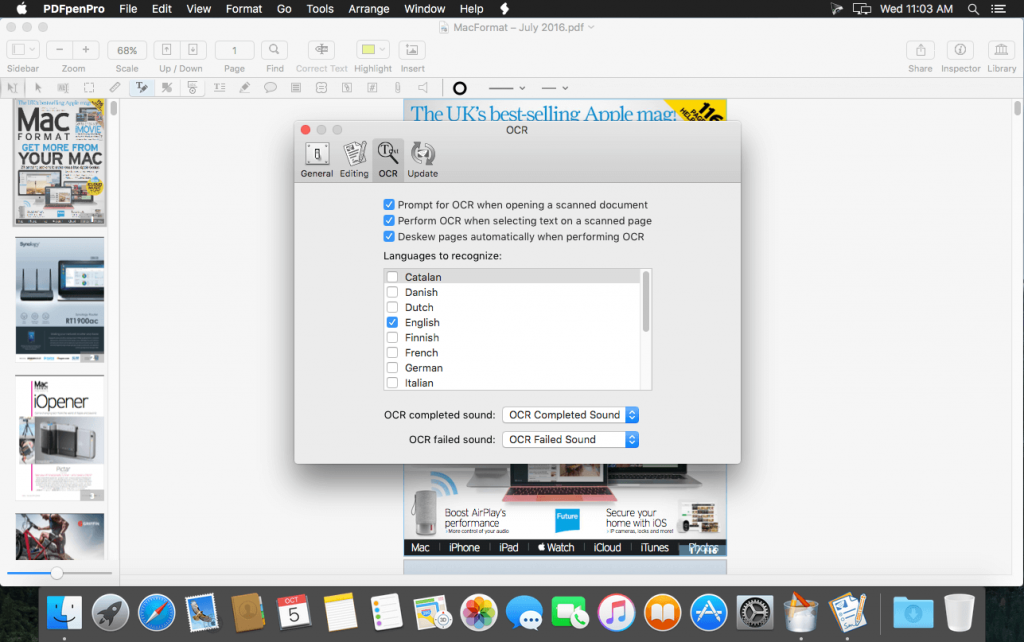
- Perform OCR (Optical Character Recognition) on scanned documents
- Viewable OCR layer for proofing OCR text from scanned pages
- Adjust resolution, color depth and contrast, skew, and size of an image or scanned document
- Sign PDF forms via interactive signature fields (not digital signatures)
- Insert and remove pages; re-order pages in a PDF by drag-and-drop; combine PDFs
- Move, resize, copy and delete images in original PDF
- Save PDFs directly to Evernote
- Copy and paste rich text; retain fonts and formatting when copying from PDFs, including columns
- Context-sensitive popup-menus enable quick edits
- Add (and print) notes and comments
- Mark up documents with highlighting, underscoring and strikethrough
- Save frequently-used images, signatures, objects and text in the Library
- Apply business-related and sign here stamps via the Library
- Print notes and comments with or without the original text
- Print a list of all annotations along with the document
- Full screen mode, as well as zoom to document width and zoom to actual document size
- Password protect a document with up to 256-bit AES encryption
- Compatible with iCloud Drive
- Sync Library items with PDFpen for iPad and iPhone via iCloud
- Automate PDF manipulations with AppleScript
- Available in English, Japanese, German, French, Italian, and Spanish
PDFpenPro_12.1.1
PDFpenPro_12.1.2
PDFpenPro_12.2
PDFpenPro_12.2.1
PDFpenPro_12.2.2
PDFpenPro_v12.2.3
PDFpenPro_13.0
PDFpenPro_13.0.1 [Universal M1 vs Intel]
PDFpenPro_13.1
Các bản cũ hơn
maclife

Phần mềm Post trên MacLife được tổng hợp từ nhiều nguồn. Phục vụ cho mục đích dùng thử. Nếu thấy apps có ích, hãy mua bản quyền để ủng hộ tác giả. App đã tải vui lòng xóa sau 24h
