OmniPlayer Pro là trình phát media toàn diện hỗ trợ hầu hết các định dạng video và âm thanh trên Mac, hỗ trợ phát cả video 4k/Full HD, 720…
Các tính năng phong phú của OmniPlayer cho phép bạn kiểm soát và điều chỉnh thuận tiện quá trình phát lại, danh sách phát, hình ảnh video, bản âm thanh, phụ đề và ảnh chụp màn hình, v.v.
Các định dạng video và âm thanh hỗ trợ bao gồm:
Videos: mkv, rmvb, rm, avi, mov, wmv, flv, f4v, f4p, f4a, f4b, swf, mpg, mpeg, mpeg1, mpeg2, m1v, m2v, mpv, mp4, mpeg4, m4v, 3gp, 3gpp, 3g2, 3gp2, m2p, ps, ts, m2ts, mts, mt2s, ogm, ogv, divx, dv, asf, wtv, webm, m3u, m3u8 etc.
Audios: flac, ape, m2a, mp1, mp2, mpa, mp3, mpg3, m4a, m4b, wma, wav, wv, xm, aiff, aif, ac3, a52, aac, opus, ogg, oga, mid, midi, mka etc.
Subtitles: ass, ssa, srt, idx⊂
Chi tiết hơn tính năng:
Nhấn vào đây để xem chi tiết
Features:
Supports Multiple Media Types
- Play almost any format of the local and remote server videos and audios (SAMBA/FTP protocol).
- Supports online videos and audio with HTTP/HTTPS protocols.
- Play Youtube and Vimeo videos using the webpage URL directly without online ads.
Playlist Control
- Record media files to playlists automatically and automatically clear all when exiting the player.
- Play, search, delete, change repeat mode of media items in the playlist.
Playback Control
- Pause, resume, fast forward, rewind and jump to a specified progress time.
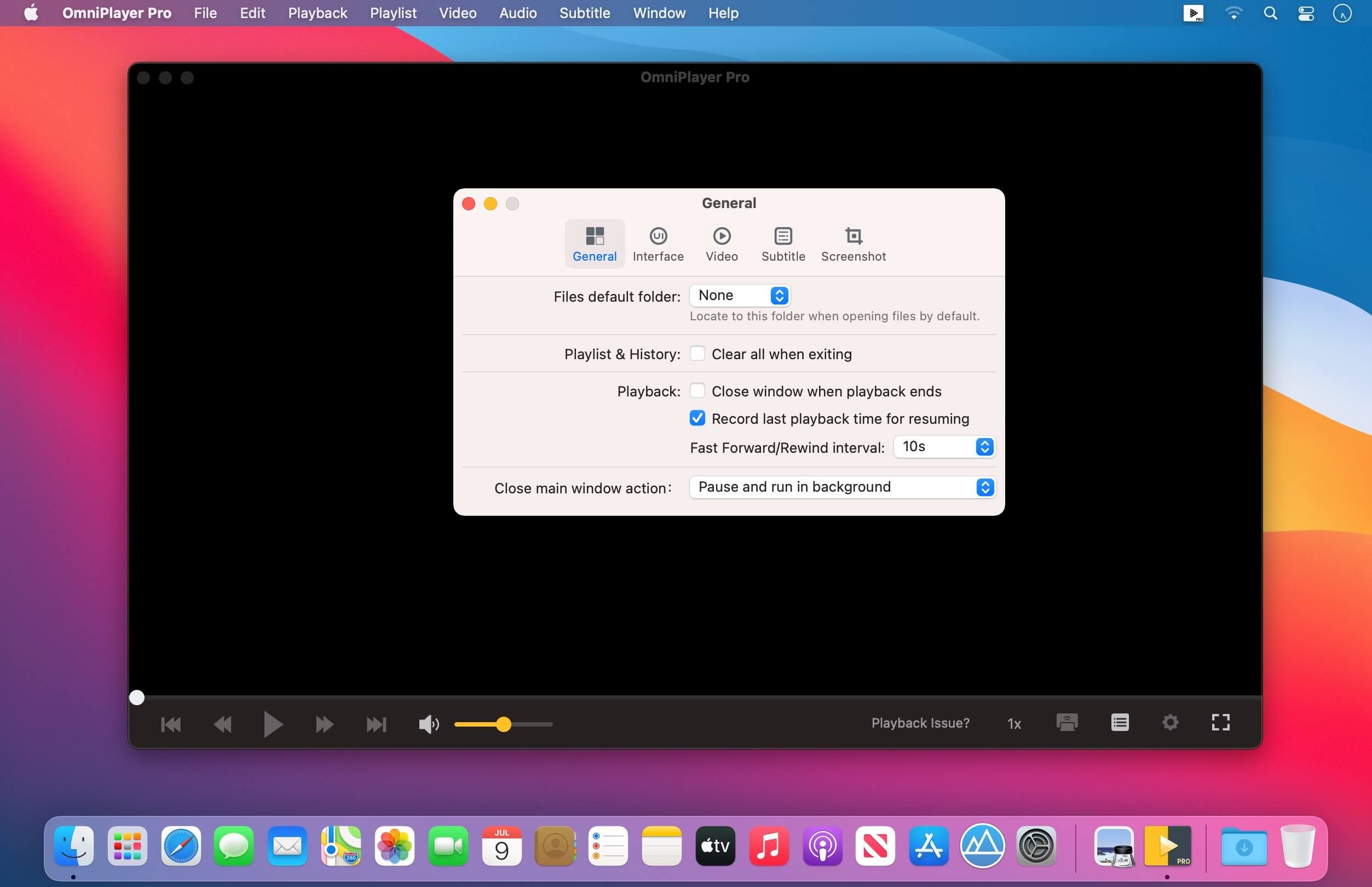
- Record last progress time of playback when stopping automatically.
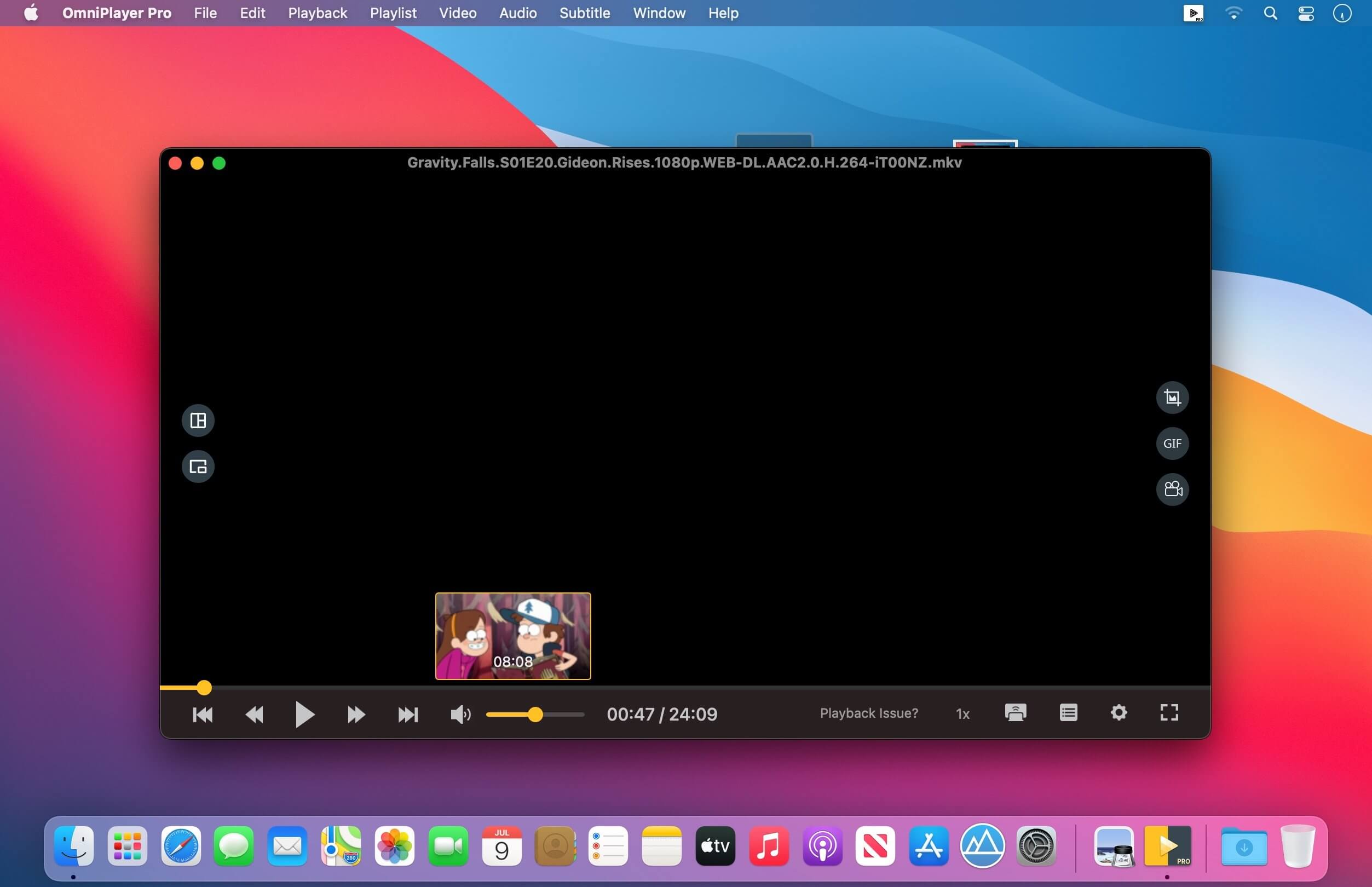
- Show preview images on the progress bar when playing a local video.
- Hide controls automatically to display pure video view without any occlusion.
- Adjust playback speed from 0.25x to 4x.
Video Image Adjustment
- Adjust window size and video image aspect ratio quickly.
- Adjust video image rotation in all directions.
- Adjust video image equalizer including brightness, contrast, and saturation.
Audio Control
- Change audio delay time to synchronize audio and video.
- Choose different audio tracks in the video.
- Choose audio mode such as Stereo, Dolby Surround, Headphones, etc.
- Customize audio equalizer or choose predefined equalizer settings such as Classic, Rock, Pop, etc.
Subtitle Control
- Load different formats of local subtitles in real-time.
- Search and load subtitles online with video name or hash.
- Support for most languages. Change subtitle color and size in real-time.
- Change the encoding of subtitles in different languages to fix subtitle display problems.
Screenshot
- Take a screenshot with different formats.
- Generate GIF images up to 60s. Export thumbnails with one click.
Wireless Display
- DLNA protocol, Chromecast protocol, Roku channel
Link App Store: apps.apple.com/app/omniplayer-pro-media-player/id1522844237
Tương thích: macOS 10.13 or later
OmniPlayer PRO 2.0.19
Tải ngay
OmniPlayer Pro_2.1.1
Tải ngay
OmniPlayer Pro_2.1.2
Tải ngay
OmniPlayerStore_2.1.4
Tải ngay
OmniPlayerStore_2.1.5
Tải ngay
OmniPlayerStore_2.1.6
Tải ngay
OmniPlayerStore_2.1.7
Tải ngay
OmniPlayerStore_2.1.8
Tải ngay
OmniPlayerStore_2.1.9
Tải ngay
OmniPlayerStore_2.1.11
Tải ngay
OmniPlayerStore_2.1.12
Tải ngay
OmniPlayerStore_2.1.13
Tải ngay
OmniPlayerStore_2.1.14
Tải ngay
Các bản cũ hơn
Lưu ý cần đọc
- Để cài được ứng dụng ngoài App Store bạn cần phải tắt Gatekeeper theo hướng dẫn ở đây.
- Một số Apps (rất ít, nếu có sẽ ghi chú ở cuối post) yêu cầu thêm tắt SIP cách SIP tham khảo ở đây
Phần mềm Post trên MacLife được tổng hợp từ nhiều nguồn. Phục vụ cho mục đích dùng thử. Nếu thấy apps có ích, hãy mua bản quyền để ủng hộ tác giả. App đã tải vui lòng xóa sau 24h